Posts tagged: vim

All posts with the tag "vim"

29 posts latest post 2026-01-04
Publishing rhythm
Jan 2026 | 1 posts

Today I discovered vim-speeddating by tpope. I’m sure I’ve seen years ago but it did not click for my workflow until today. I often go through pictures from my phone for the past few days and make Posts tagged: shots posts, but I want to date them to about when the image was taken most of the time. This allows me to quickly bump days up and down using c-a and c-x even around the new year.

Sound on, listen to those new switches.

vim

Vim :noa is a command that runs what you call without autocommands on. This is typically used when you have some BufWritePre commands for formatting, most auto formatters are implemented this way in vim. It can be super useful if you have something like a yaml/json file that you have crafted perfectly how you want it, maybe it has some source code for a small script or sql embeded and your formatter wants to turn it into one line. You could get a better formatter, but for these one off cases that aren’t a big bother to me I run :noa w.

vim

fixed long standing nvim startup error

Here’s the diff, this is it.

local M = {} M.setup = require("waylonwalker.setup") M.settings = require("waylonwalker.settings") + M.lazy = require("waylonwalker.lazy") M.options = require("waylonwalker.options") M.globals = require("waylonwalker.globals") M.keymap = require("waylonwalker.keymap") - M.lazy = require("waylonwalker.lazy") M.autocmds = require("waylonwalker.autocmds") M.util = require("waylonwalker.util") M.plugins = require("waylonwalker.plugins") M.snippets = require("waylonwalker.snippets") return M

The error #

On first install of my dotfiles I’m presenting with this flashbang of an error filling the screen with red background. Its kinda hard to read, I’m not deep into lua and reading their tracebacks. It pops up in this pager that if I scroll too far it quits and the error is gone...

...

2 min read

When I want to put a date in a document like a blog post from vim I use !!date from insert mode. Note that entering !! from normal mode puts you in command mode with :.! filled out. This runs a shell command, i.e. date for this example.

It outputs the following

Fri Jan 31 08:46:11 PM CST 2025

You can also pass in a date such as tommorrow by pasdding in the -d date -d tomorrow.

...

nvim-manager

I recently built a cli application as a nearly-one-shot-app called nvim-manager. It manages your nvim dotfiles install.

screenshot-2025-01-31T21-21-40-707Z.png

nvim-manager allows you to install pinned versions of your dotfiles, your friends dotfiles, and distros in ~/.config. This allows you to have stable versions that will not break installed while you change things.

...

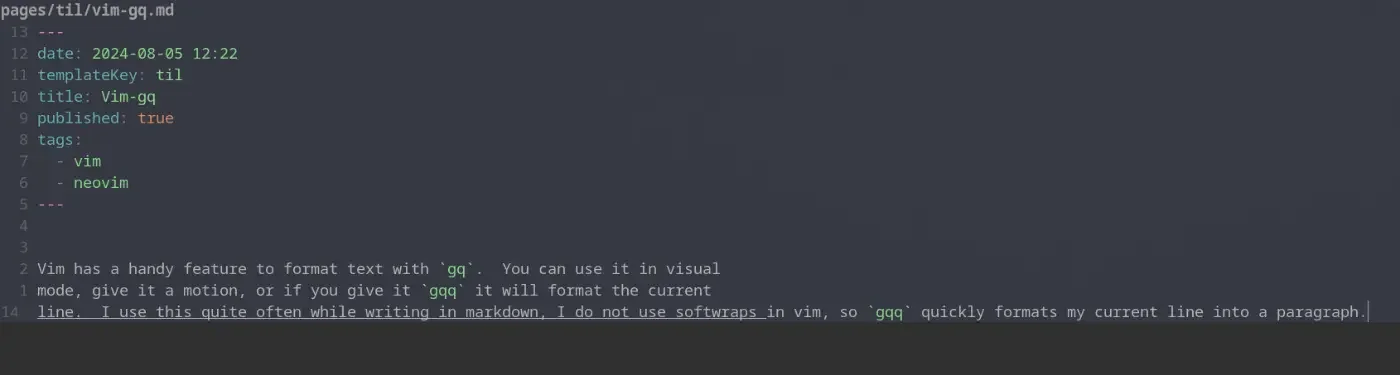
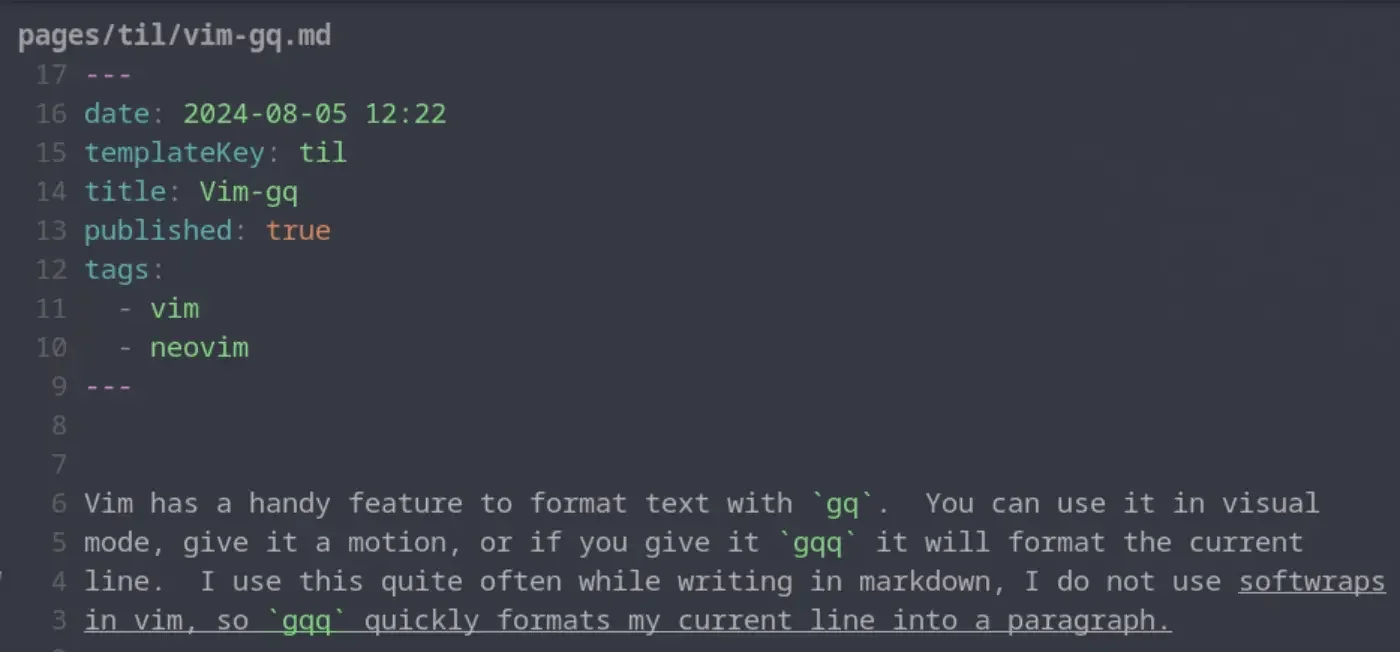
Vim has a handy feature to format text with gq. You can use it in visual mode, give it a motion, or if you give it gqq it will format the current line. I use this quite often while writing in markdown, I do not use softwraps in vim, so gqq quickly formats my current line into a paragraph. Once I have done this for a single line one time I typically switch to the motion for around paragraph gqap to format the whole paragraph and not just the current line.

Refactoring one line links into wikilinks

Previously I had setup a feature of my website to expand one line links into a card. This was not a standard, even to the point that some formatters wrap the links with , thus breaking my custom plugin. Moving to the wikilink standard will allow my markdown posts to work accross more site builders without custom integrations.

Expand One Line Links

Wikilinks are standard to a lot of wikis written in markdown.

...

2 min read

![[None]]

Install it

{ "ThePrimeagen/harpoon", branch = "harpoon2", dependencies = { "nvim-lua/plenary.nvim" }, config = function() require("waylonwalker.plugins.harpoon").setup() end, },

harpoon config

I found this statement quite intriguing.

multi-cursors are just macros.

This is quite a philisophical video and mostly prime talking about the things that make vim vim, and what prime needs in and editor vs what he can live without.

I’ve heard prime say just give it the one eyed fighting kirby so many times, and execute it few times, and there is no way to find it online, so this will be the link that I will come to, when I need to remember what @theprimeagen means when he says Give it the one eyed fighting kirby.

:s/\(.*\);/console.log(\1)

So what is this? #

This is a vim substitute comand to replace text in the buffer. the one eyed fighting kirby is a regex capture group to capture everything between matches, and assign it a value to place back in after the match.

substitute in a nutshell, :s/<what you want to replace>/<what you want to replace with>

Here is a contrived example of text.

...

So after months of fighting with gf not going to template files, I finally decided to put in some effort to make it work.

This was the dumbest keybind in my config, that I copied from someone else without understanding it.

I have jinja templates in a directory called templates. I want to bind gf to open a template file, but it is trying to open a new file ./base.html

{% extends "base.html" %} {% if request.state.user %} {% block title %}Fokais - {{ request.state.user.full_name }} {% endblock %} {% else %} {% block title %}Fokais {% endblock %} {% endif %} {% block content %} {% if request.state.user %} <h1 id="title" class="inline-block mx-auto text-5xl font-black leading-loose text-transparent bg-clip-text bg-gradient-to-r from-red-600 via-pink-500 to-yellow-400 ring-red-500 text-shadow-xl text-shadow-zinc-950 ring-5"> {{ request.state.user.full_name }} </h1> {% endif %} {% include "me_partial.html" %} {% endblock %}

What did not work #

I tried all sorts of changes to my path, but it still didn’t work.

...

vim

Lately in 2023 I have been leaning on lazyvim for my new setups where I am not necessarily ready to drop my full config. It’s been pretty solid, and comes with a very nice setup out of the box, the docs are pretty fantastic as well.

extending vim with shell commands

Vimconf 2022

Extending vim does not need to be complicated and can be done using cli tools that you might already be comfortable with. Examples, setting up codeformatters with autocmds, using lf/ranger as a tui file manager, generating new files using a template framework like cookiecutter/copier/yeoman, using ag to populate your quickfix.

vimconf!!<esc>!!figlet

formatters #

local settings = require'waylonwalker.settings' M.waylonwalker_augroup = augroup('waylonwalker', { clear = true }) M.format_python = function() if settings.auto_format.python then vim.cmd('silent execute "%!tidy-imports --black --quiet --replace-star-imports --replace --add-missing --remove-unused " . bufname("%")') vim.cmd('silent execute "%!isort " . bufname("%")') vim.cmd('silent execute "%!black " ....

...

1 min read

With the latest release of version of nvim 0.8.0 we get access to a new winbar feature. One thing I have long wanted somewhere in my nvim is navigation for pairing partners or anyone watching can keep track of where I am. As the driver it’s easy to keep track of the file/function you are in. But when you make big jumps in a few keystrokes it can be quite disorienting to anyone watching, and having this feedback to look at is very helpful.

nvim exposes the winbar api in lua, and you can send any text to the winbar as follows.

vim.o.winbar = "here"

You can try it for yourself right from the nvim command line.

:lua vim.o.winbar = "here"

Now you will notice one line above your file with the word here at the very beginning.

...

vim

How to vimgrep over hidden files.

I needed to delete all build pipeline steps that were named upload docs. I currently have about 60 projects running from the same template all running very similar builds. In the past I’ve scripted out migrations for large changes like this, they involved writing a python script that would load the yaml file into a dictionary, find the corresponding steps make the change and write it back out.

Today’s job was much simplar, just delete the step, were all steps are surrounded by newlines. My first thought was to just open all files in vim and run dap. I just needed to get these files:positions into my quickfix. My issue is that all the builds reside within hidden directories by convention.

variability

...

vim