
This is a listing of all the things that I use on a daily basis to build data pipelines, lead my team, and build this website.
older editions ¶ #
[[ uses-2021 ]]
Installation ¶ #
Everything installed on my machines is done through ansible-playbooks. It’s been a long transformation to get here, but its so satisfying to boot a brand new system, run a single command a have every single thing cofigured exactly to my liking.
# GET is available by default on Ubuntu
GET waylonwalker.com/bootstrap | bash

# For debian based systems without GET by default
sudo apt install curl
curl -F https://waylonwalker.com/bootstrap | bash
OS ¶ #
I run Ubuntu, it works well for me without too much fuss. For me the distribution does not really matter too much, I’m more interested in what’s inside.
Window Manager ¶ #
I use awesome wm. Awesome is a tiling window manager that alows me to navigate through 9 workspaces (technically called tags in awesomewm). I can script out certain applications to open in a certain tag, move it to different tags, and join tags super easy. I really dont see myself going back to a floating window manager where you have to place all your windows with the mouse by hand. This is probably one of the biggest selling points for me to move to a Linux desktop.
Terminal ¶ #
gnome-terminal ¶ #
For the longest time I just used gnome-terminal. It works, for the most part it gets out of the way and lets me do what I want. I just want a terminal that runs tmux properly, runs without titltbars or scrollbars, and lets me theme it without much effort.
kitty ¶ #
Kitty is my main terminal, these days, it’s nice, its easy to configure how I want it, but most of its fancier features do not work inside of tmux. It does render incredibly fast, If I accidently cat out a massive file, it typically just handles it, compared to other terminals that will be printing for 30s or so.
Windows Terminal ¶ #
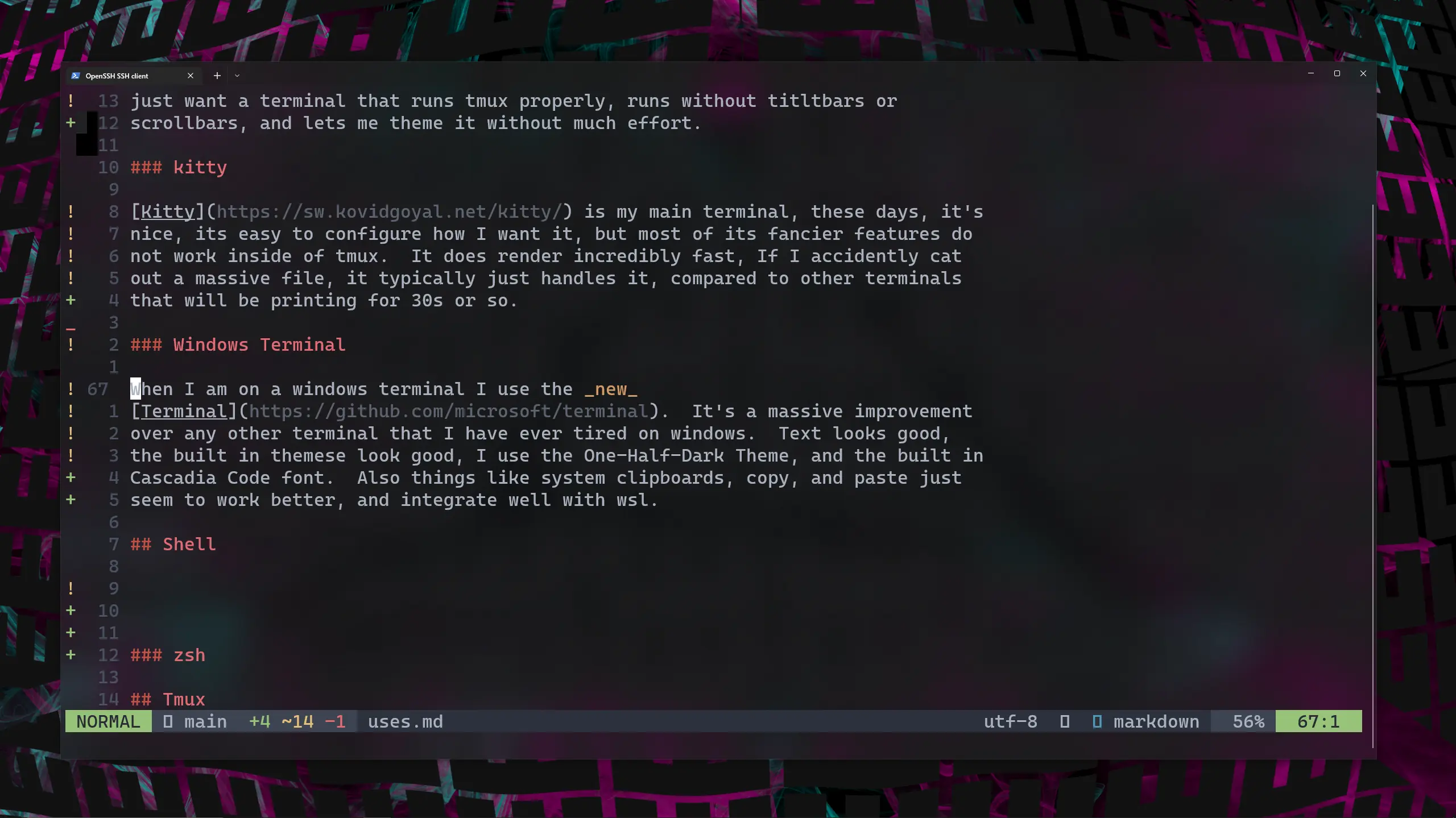
When I am on a windows terminal I use the new Terminal. It’s a massive improvement over any other terminal that I have ever tired on windows. Text looks good, the built in themese look good, I use the One-Half-Dark Theme, and the built in Cascadia Code font. Also things like system clipboards, copy, and paste just seem to work better, and integrate well with wsl.
Shell ¶ #
The shell is the interpreter that interprets the commands that you send to it from the command line, unlike the terminal that displays the text.
zsh ¶ #
I use zsh as my shell of choice. I don’t run oh-my-zsh, I just need a few plugins for things like autosuggestions syntax-highlighting history-substring-search.