Serve html from your command line
=================================
When I first moved to vim from and ide like vscode or sublime text one of my very first issues was trying to preview my website at . There had always just...
Date: December 28, 2021
When I first moved to vim from and ide like vscode or sublime text one of my
very first issues was trying to preview my website at `localhost:8000`. There
had always just been a button there to do it in all of my other editors, not
vim. There are not many buttons for anything in vim. While there is probably a
plugin that can run a webserver for me in vim, it's not necessary, we just need
the command line we are already in.
## running a separate process
You will need a way to run another process alongside vim, here are a couple
ideas to get you going that are not the focus here.style
* use background jobs
* c-z to send a job to the background
* fg to bring it back
* use a second terminal
* use a second tab
* use tmux and run it in a separate split/window
* use an embeded nvim terminal
## running a development webserver from the command line
Python already exists on most linux systems by default, and most are now on
python3. If you are on windows typing python will take you directly to the
windows store to install it, or you can also use wsl.
``` bash
# python3
python -m http.server
# running on port 5000
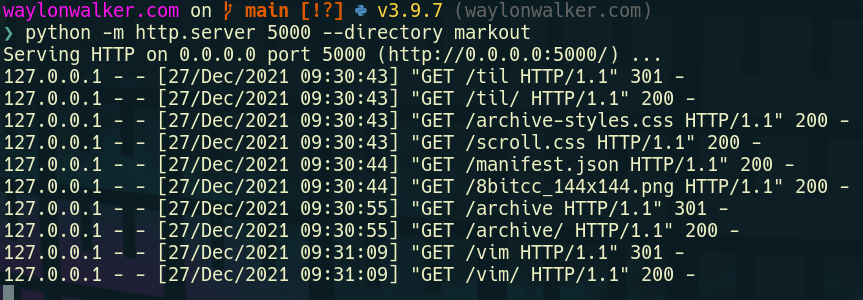
python -m http.server --directory markout 5000
```
```
# for the low chance you are on python2
python -m SimpleHTTPServer
# running on port 5000
python -m SimpleHTTPServer 5000
python -m SimpleHTTPServer --directory markout 5000
```
## using nodejs
If you are a web developer it's likely that you need nodejs and npm on your
system anyways and may want to use one of the servers from npm. I'll admit with
these not being tied to the long term support of a language they are much more
feature rich with things like compression out of the box. In my opinion they
are nice things that you would want out of a production server, but may not
be necessary for development.
### installing npx
``` bash
# if you don't alredy have npx
npm i -g npx
```
> npx is a handy tool that lets you run command line applications straight from
> npm without installing them. It pulls the latest version every time you want
> to run, then executes it without it being installed.
### running the http-server with npx
``` bash
npx http-server
# running on port 5000
npx http-server -p 5000
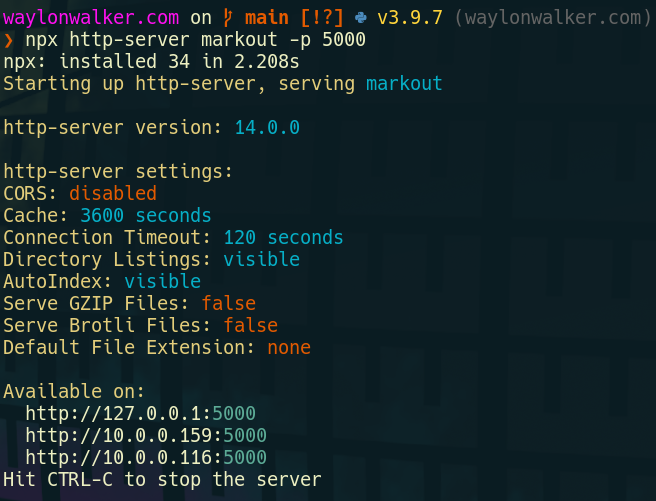
npx http-server markout -p 5000
```