I want to incorporate some of the wonderful comments, \U0001F495, \U0001F984, and \U0001F516’s that I have been getting on dev.to on my website. I have dabbled once or twice with no avail this time I am taking notes on my journey, so follow along and let’s get there together. By the end of this post, I will have a way to get comments from posts on the client-side thanks to the wonderfully open dev.to API.
I want to incorporate some of the wonderful comments, 💕, 🦄, and 🔖’s that I have been getting on dev.to on my website. I have dabbled once or twice with no avail this time I am taking notes on my journey, so follow along and let’s get there together. By the end of this post, I will have a way to get comments from posts on the client-side thanks to the wonderfully open dev.to API.
The API ¶ #
dev.to has an open API that allows us to easily get comments as HTML. They have their API hosted at https://docs.forem.com/api/#tag/comments, let’s take a look at it.
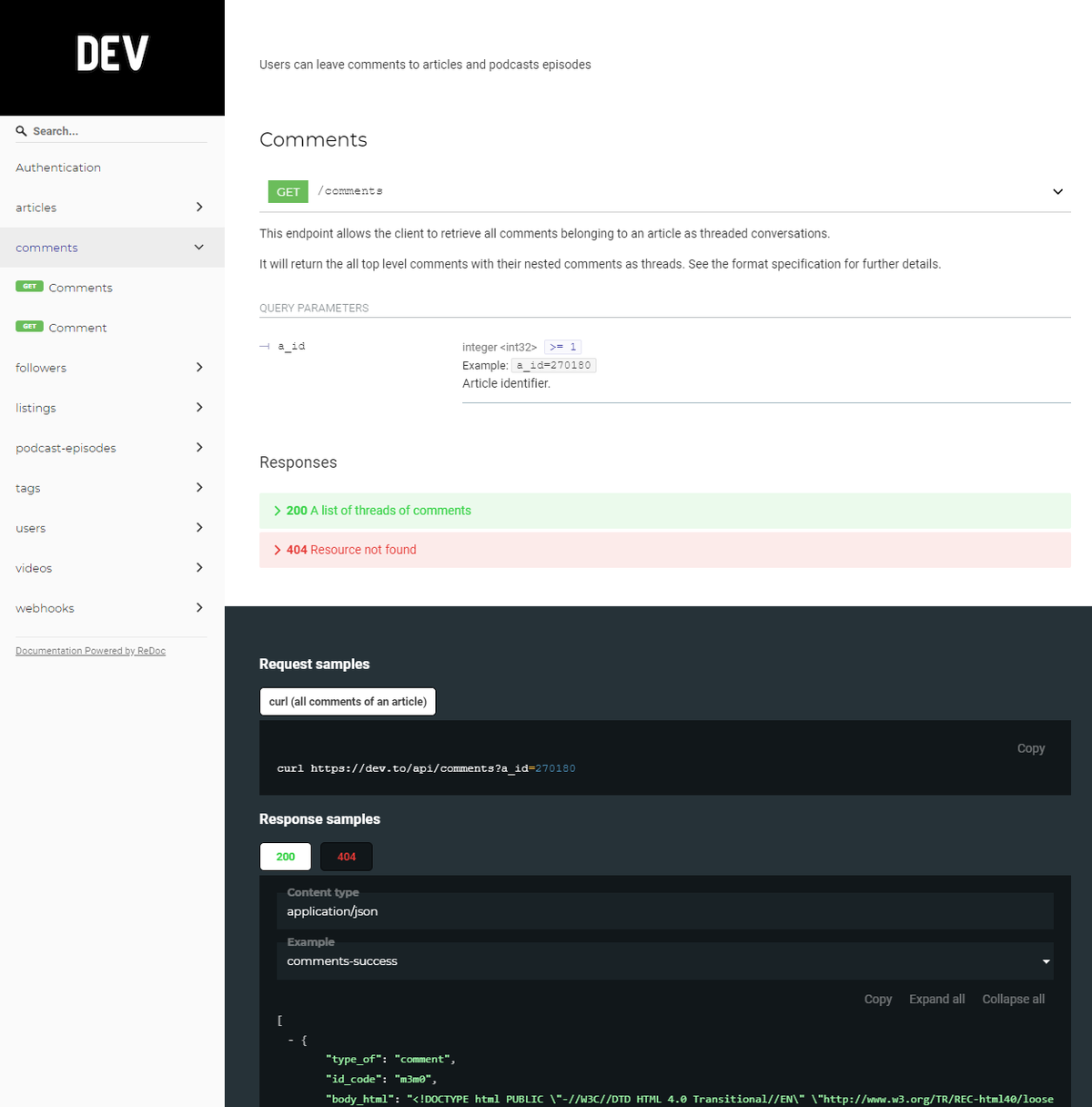
Here we can see that going to https://dev.to/api/comments?a_id=270180 returns us some json, that contains an array of comments.
[
  {body_html: '<the comment rendered as html>',
   user: {<an array with quite a bit of information about the commenting user>},
   children: [<an array of child comment objects>]
   <other stuff we don't care about>
  },
  <more comments>
  ]
What the heck is that a_id ¶ #
That is an article_id. Though a bit of searching I found that it occurs in at least four places on every page as a data attribute. Using chrome dev tools I found a good place to “query” it from.
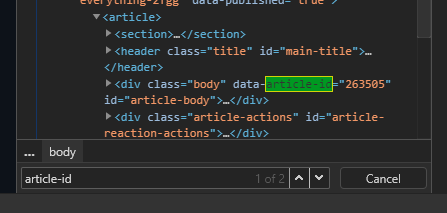
With this knowledge, we can fetch the contents of an article and pull the articleId from it.
    async function getDevToAId(url) {
        // Gets the articleId of a dev.to article
        const root = 'https://dev.to/'
        if (!url.includes(root)) {
            url = root + url
        }
        let domparser = new DOMParser()
        const html = await fetch(url).then(r => r.text())
        const doc = domparser.parseFromString(html, 'text/html')
        const articleId = doc.querySelector('#article-body').dataset.articleId
        return articleId
    }
note I do check to see if a full URL or slug was given, if it was just the slug I tack on https://dev.to/ before fetching.
Now the comments ¶ #
The main event is here, what you all have waited for, and it’s by far the easiest part.
    async function getDevToComments(url) {
        const articleId = await getDevToAId(url)
        const response = await fetch(`https://dev.to/api/comments?a_id=${articleId}`)
        const comments = await response.json()
        return comments
    }
The hardest part of this was figuring out what the a_id was and how I was going to get it from some more commonly known information about my articles, the URL, or the slug
Try it out ¶ #
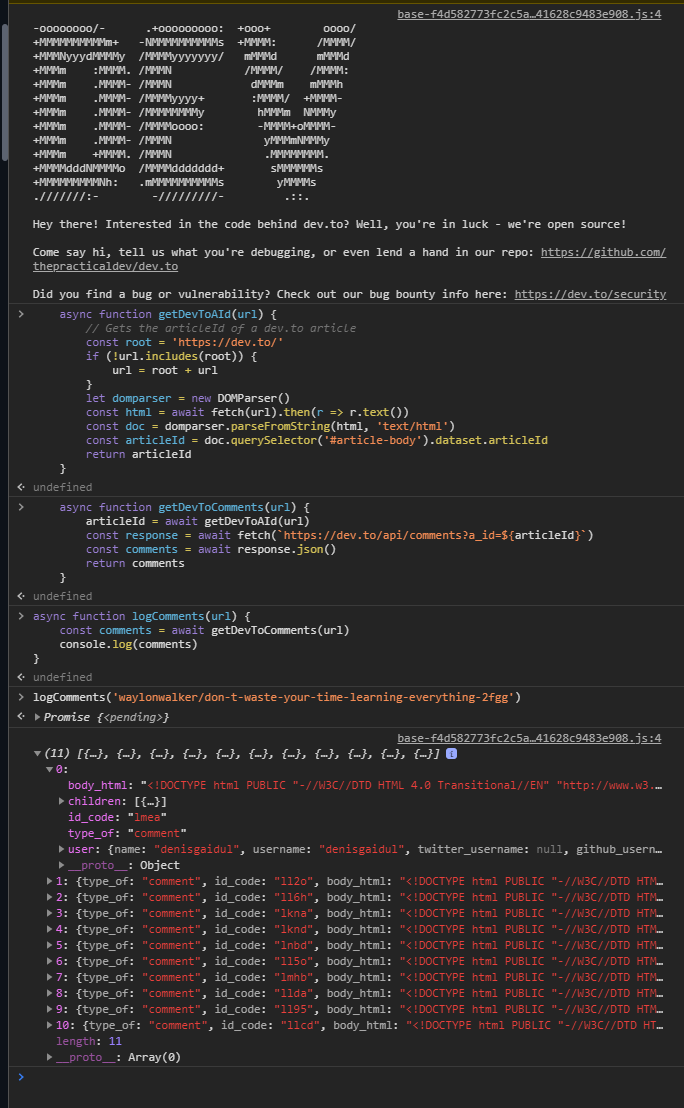
F12 pop open your console right in dev tools of this post and try it out.