
Learn D3 in 5 days ¶ #
I recently subscribed to Ben Clinkinbeard’s learn D3.js in 5 days, and am currently on day 3. I read through the first 2 days, and felt fairly comfortable with selecting elements, so I did not follow along on the first two days. I probably should have, but there are only so many hours in the day.
Why Learn D3 ¶ #
D3 is the ubiquitous dynamic visualization library for building custom interactive visualizations on the web. It is a bit low level, and more verbose than many other libraries that build upon it, but if you want full control D3 is the way to go. I have used a few libraries built upon d3 in the past and have been very happy with the results. For now I want to start learning a bit about how d3 works. I know that learning it is going to take a long time, so I want to start working on some simple examples now in order to build my understanding so that I can learn quickly when I am ready to dive in. If I never decide I need to take the deep dive into d3, I think understanding how it works will only help when I am using higher level libraries.
Final Result ¶ #
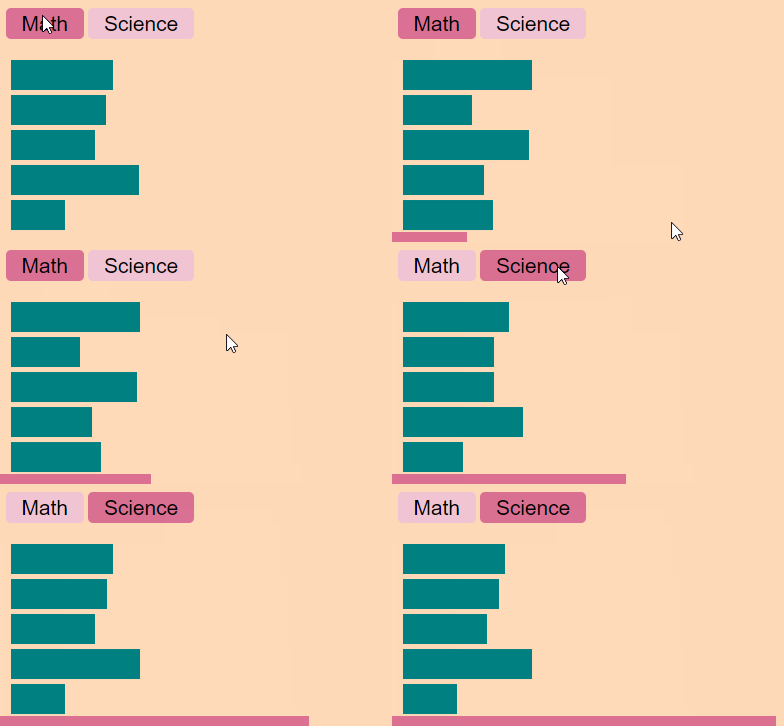
I cant express how fun it was to build this example. I always saw d3 as being super low level and that I could never build something in it. It was so cool to watch the magic happen in such a short period of time.
Prep ¶ #
Load D3 ¶ #
I am going to load d3 from the cloudflare cdn for simplicity
script src='https://cdnjs.cloudflare.com/ajax/libs/d3/4.13.0/d3.min.js'></script>
Base Styles ¶ #
I will use this as by stylesheet throughout the examples.
<style>
  .chart {
    display: block;
    padding: 10px;
    background: peachpuff;
  }

  .bar {
    height: 30px;
    margin: 5px;
    background: teal;
  }
  button {
    background: rgb(240, 196, 211);
    border: none;
    font-size: 1.3rem;
    border-radius: 5px;
    padding: 0.2rem 1rem;
    margin-bottom: 1rem;
  }
  .on {
    background: palevioletred;
  }
</style>
Example one ¶ #
This one is a bit cheaty in that it has the exact number of divs already rendered for us, but it is a good learning point so see how to map data to attributes
By the way this is the first chart that I have ever created with d3, and this silly thing is so exciting!!
Markup ¶ #
<div id="chart1" class='chart'>
    <div></div>
    <div></div>
    <div></div>
    <div></div>
    <div></div>
</div>
JavaScript ¶ #
const data = [90, 270, 152, 42, 83]
d3.select('#chart1')
    .selectAll('div')
    .data(data)
    .attr('class', 'bar')
    .style('width', function (d) {
        return d + 'px'
    })
Result ¶ #

example 1 plot
Example 2 ¶ #
This time we are going to get a bit more dynamic. The divs will be generated on the fly and will update with the press of a button.
Markup ¶ #
<div id="chart2" class='chart'>
    <button class='math' onclick="render('math')">Math</button>
    <button class='science' onclick="render('science')">Science</button>
</div>
JavaScript ¶ #
const data2 = [
    { name: 'Alice', math: 93, science: 84},
    { name: 'Bob', math: 73, science: 82},
    { name: 'James', math: 92, science: 78},
    { name: 'Steve', math: 77, science: 93},
    { name: 'Jordan', math: 80, science: 68},
]

function render(subject) {
    d3.select('#chart2')
        .selectAll('button')
        .classed('on', false)
    d3.select('.' + subject)
        .attr('class', subject + ' on')
    d3.select('#chart2')
        .selectAll('div')
        .remove()
    d3.select('#chart2')
        .selectAll('div')
        .data(data2)
        .enter()
            .append('div')
            .attr('class', 'bar')
            .style('width', function(d) {
                    return (d[subject]-50)*3 + 'px'
                })
}
render('math')
Result ¶ #
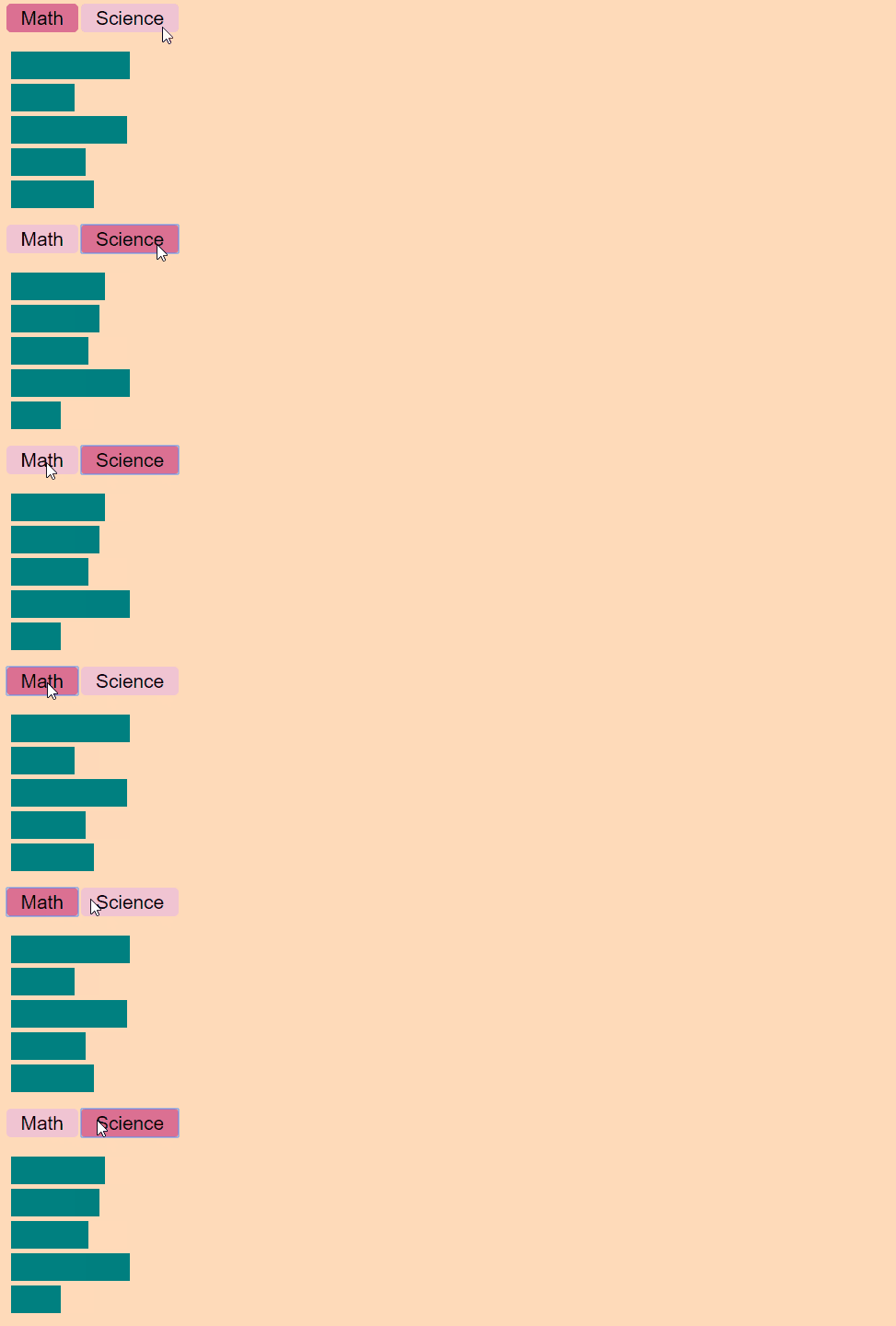
example 2 working buttons
Example 3 ¶ #
In Example2 the chart jumped from one state to the next with a complete wipe and redraw in betweeen. In this example we will retain the same bars and only update their width. This will allow us to transition/animate them.
Markup ¶ #
<div id="chart3" class="chart">
  <button class="math" onclick="render3('math')">Math</button>
  <button class="science" onclick="render3('science')">Science</button>
</div>
JavaScript ¶ #
const data3 = [
    { name: 'Alice', math: 93, science: 84 },
    { name: 'Bob', math: 73, science: 82 },
    { name: 'James', math: 92, science: 78 },
    { name: 'Steve', math: 77, science: 93 },
    { name: 'Jordan', math: 80, science: 68 },
]

function render3(subject) {
    d3.select('#chart3')
        .selectAll('button')
        .classed('on', false)
    d3.select('#chart3')
        .select('.' + subject)
        .attr('class', subject + ' on')

    const bars = d3.select('#chart3')
        .selectAll('div')
        .data(data3, function(d) {
            return d.name
        })
    const newBars = bars.enter()
        .append('div')
            .attr('class', 'bar')
            .style('width', 0)
    newBars.merge(bars)
        .transition()
        .style('width', function(d) {
            return (d[subject]-50)*3 + 'px'
        })
}
render3('math')
example 3 nice and smooth
Final Thoughts ¶ #
I express how fun this was. I have always viewed d3 as something so low level I would never be able to touch. The tutorial was super fun and very approachable. Any other resources that I have seen to start learning d3 appear to be very time consuming before you start writing code and digging into it yourself. These examples were great, I was able to get started creating visualizations in no more than 5 minutes of reading. Now that I feel like I have a shallow understanding of how it works I feel better prepared to dive in.